
- Enable Apps from Unknown Sources
1.From the Fire TV Stick home screen, navigate to Settings in the far right of the top menu
- Within the Firestick settings area, scroll to My Fire TV and click to enter.
- Next, scroll down and click Developer Options.
- Turn on the Apps from Unknown Sources if it says Off.
How do I enable developer options on FireStick 4K Max?
How to access Developer Options on Amazon Fire TV
- Navigate to the About section in Settings.
- Hit the button on the remote seven times on the first item to reveal the now-hidden Developer Options menu.
- Get the Downloader App
- Click the home button on your firestick remote to return to the homescreen
- Click the Find button on the home screen
- Click Search icon
- Type "Downloader"
- Install the Downloader app and click open
- Downloading and Installing the TREX IBO Pro application
- Open the downloader app and click Allow
- Click OK
- Click on the url box at the top and type 4481013 then click GO
- Once the app downloads click install and then click Open
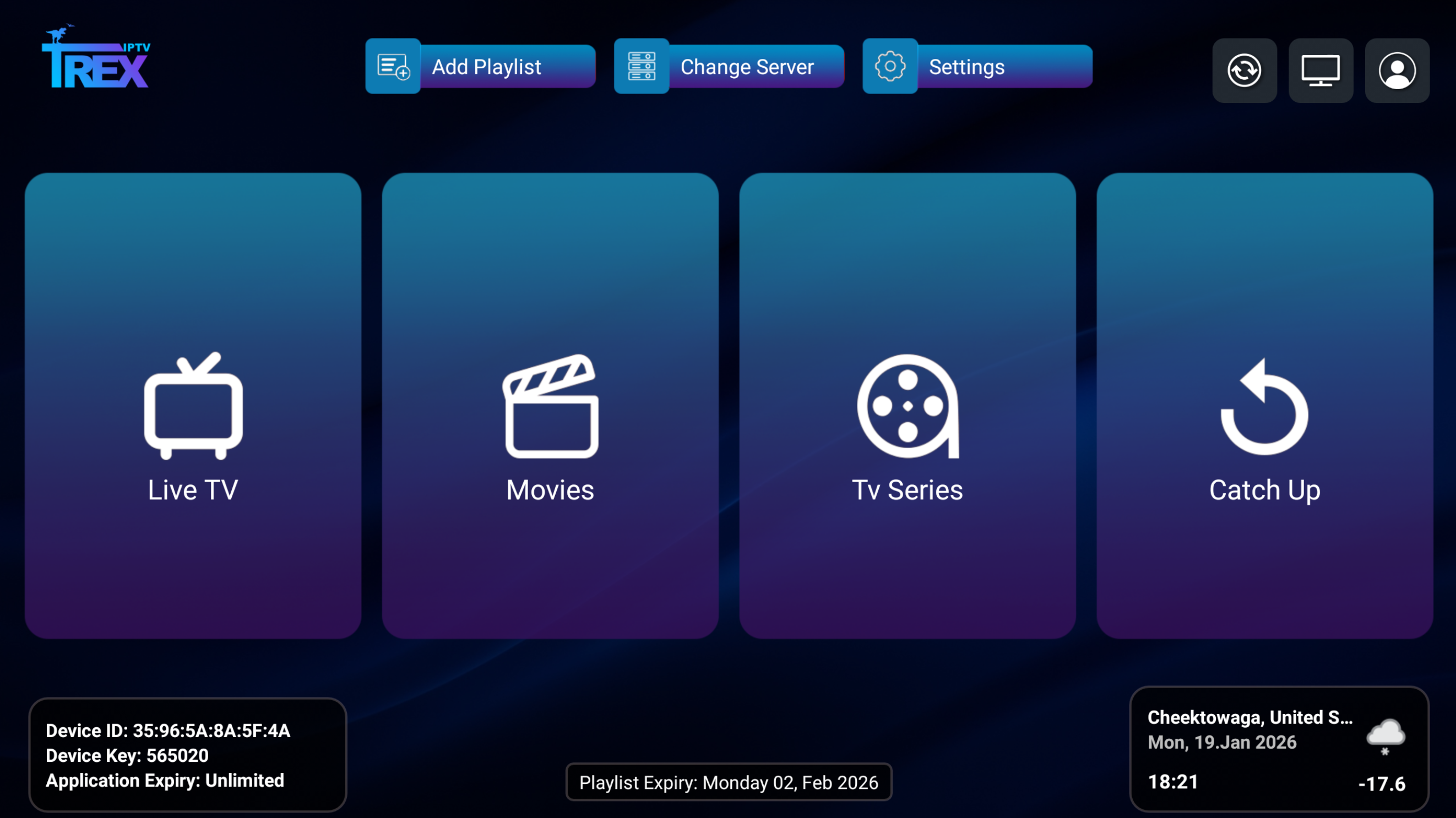
- At main Screen Select “OK” to start adding your playlist
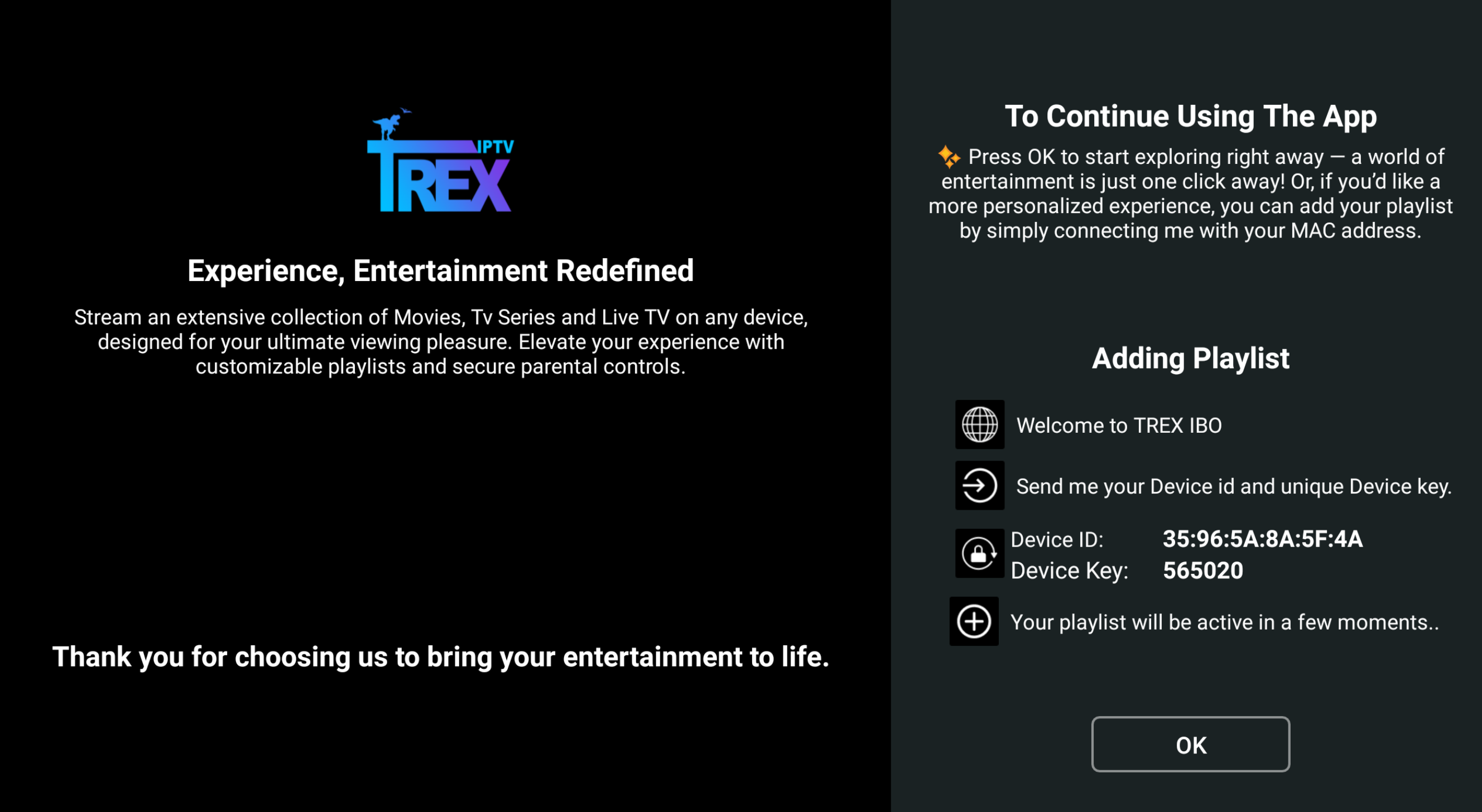
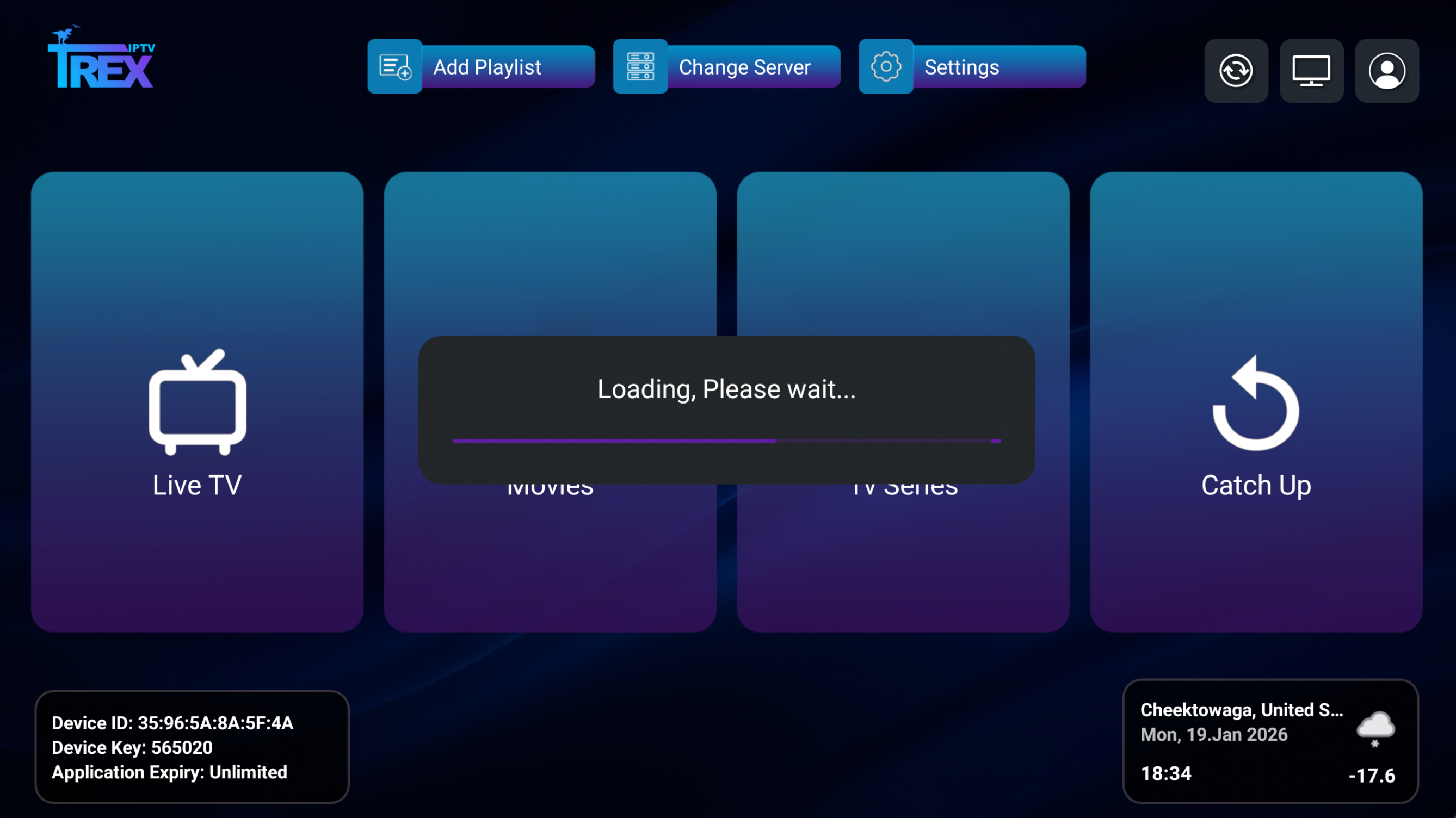
- While “Loading” message arrow up to “Add Playlist” at the top.
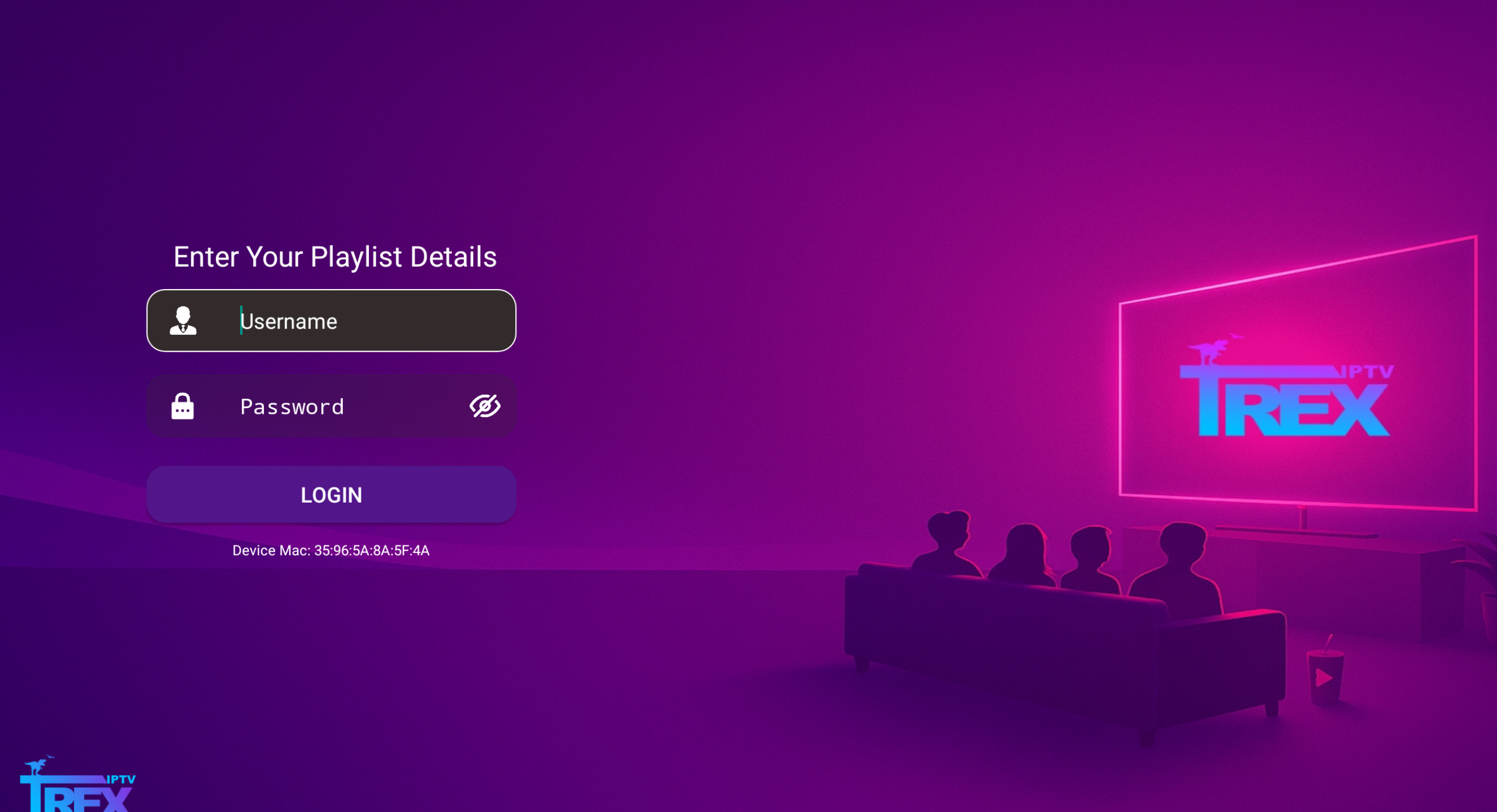
- Enter your Username and Password for your Device (From your Welcome Email) select login
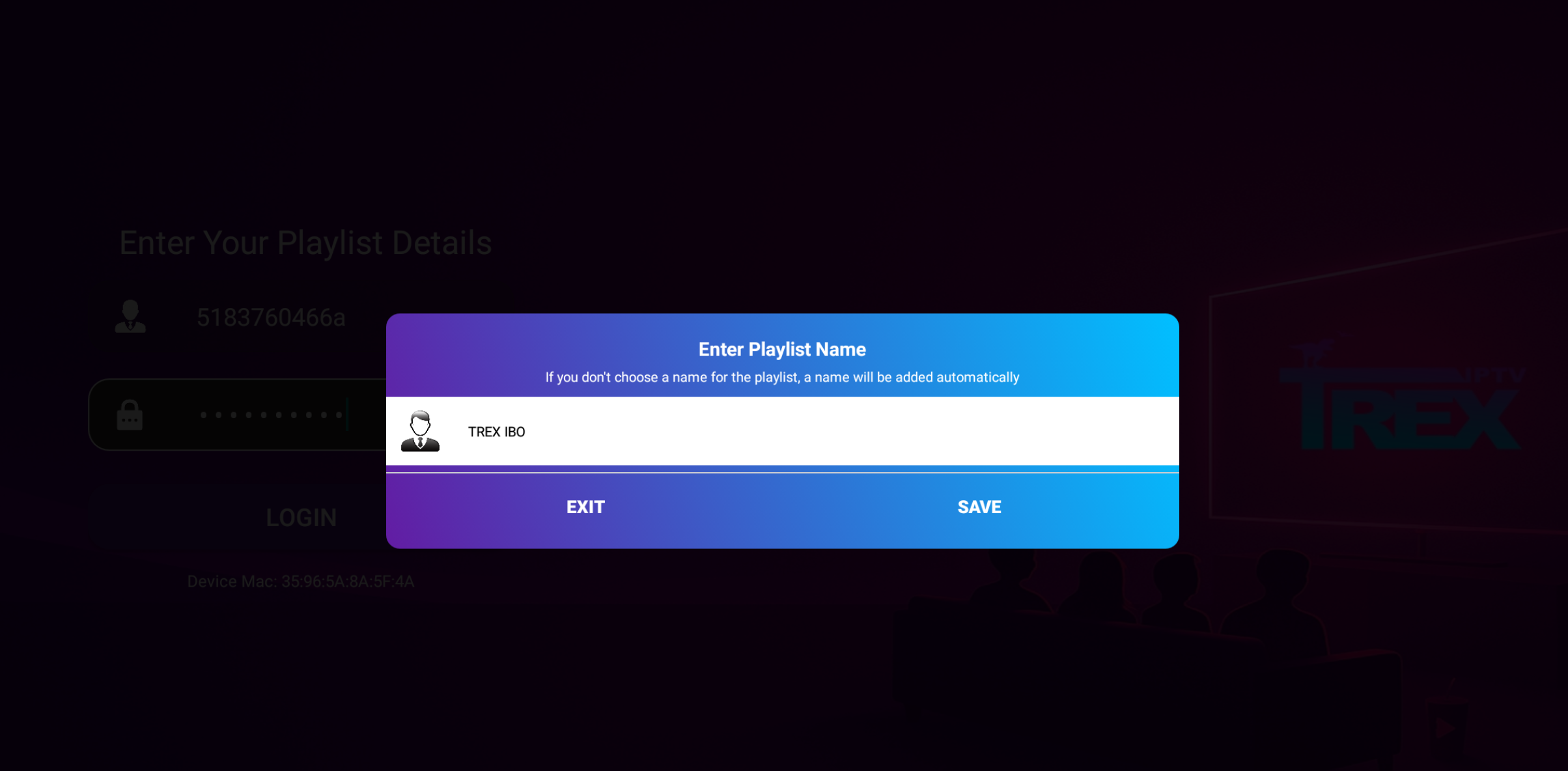
- Select Save to save the Playlist
- You can now access the service.
Click here to purchase your service if you have not done so already.